Skip to content
Cart
My account
Help
Home
KINAYA EDP
Courses
Events
Sponsorship
Social Mission
About Us
Home
KINAYA EDP
Courses
Events
Social Mission
Sponsorship
About us
My account
Cart
Login/Register
View Categories
Home
Docs
FAQ
How to download the Course Certificate?
How to download the Course Certificate?
< 1 min read
Go to My Account
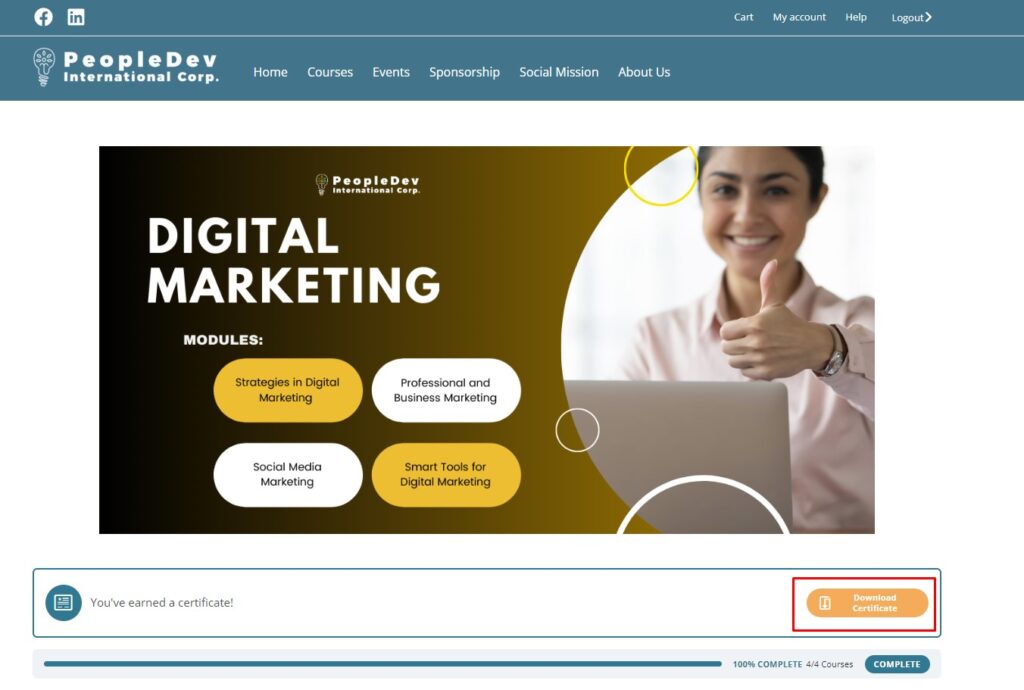
Look for the completed course and click “Download Certificate”
Depending on user’s browser settings, browser may open the PDF file or will ask user to save the file on local storage.
How to start or continue completing a course?
How to download the Program/Module Certificate?
Powered by
BetterDocs
Scroll to Top