
- Go to My Account
- All courses and program enrolled including Courses Progress are shown under this user dashboard.
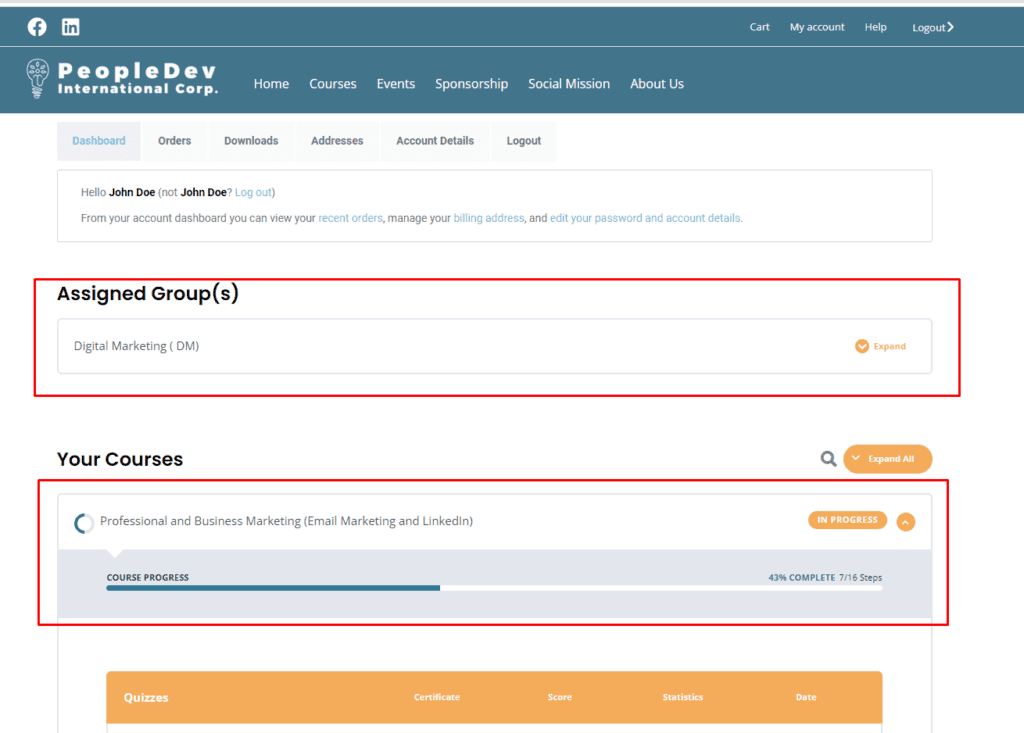
- Click the course to start/continue.
- User will be redirected to new page showing course and course content progress.
- Click the course content.


