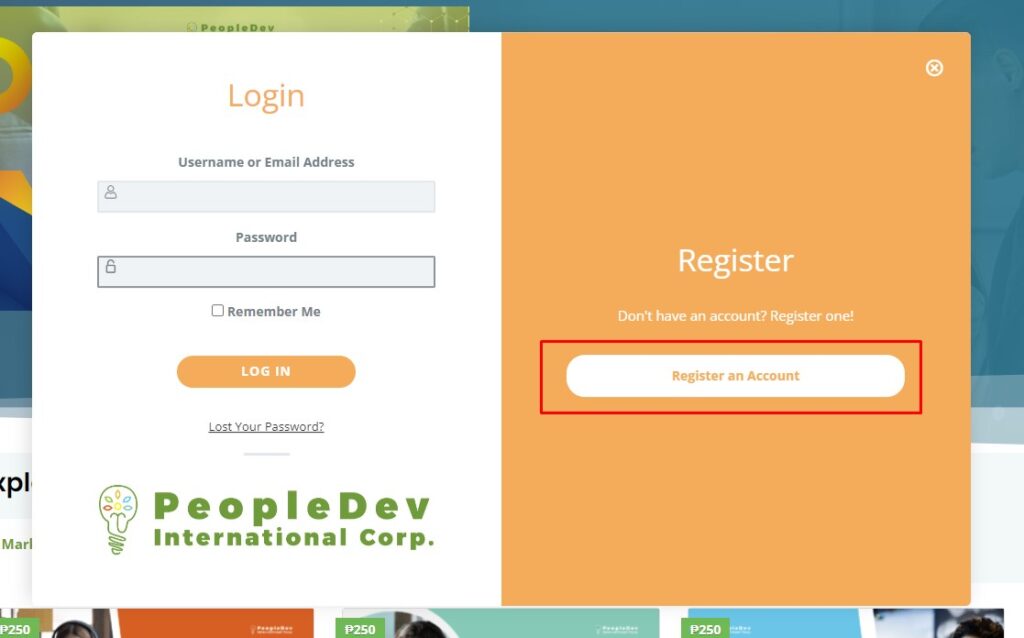
- Click Login/Register

- Click Register an Account
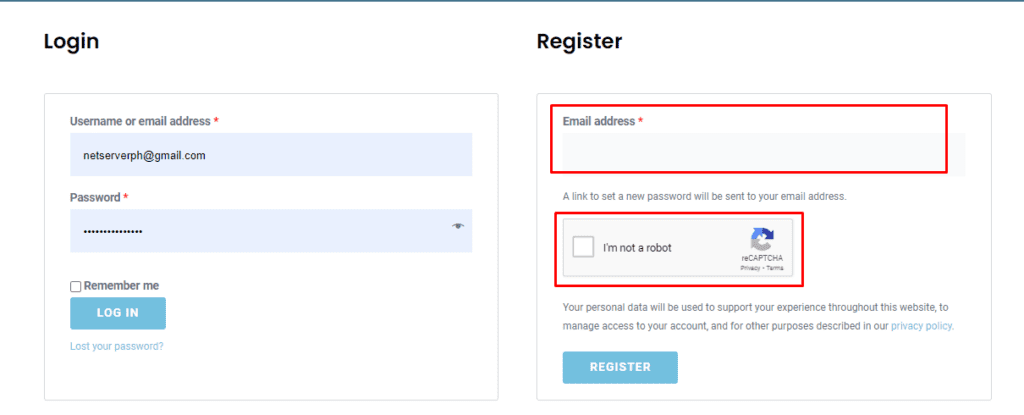
- Enter the email address to be registered and tick the recaptcha box
- User will be automatically logged-in and redirected to User Dashboard.
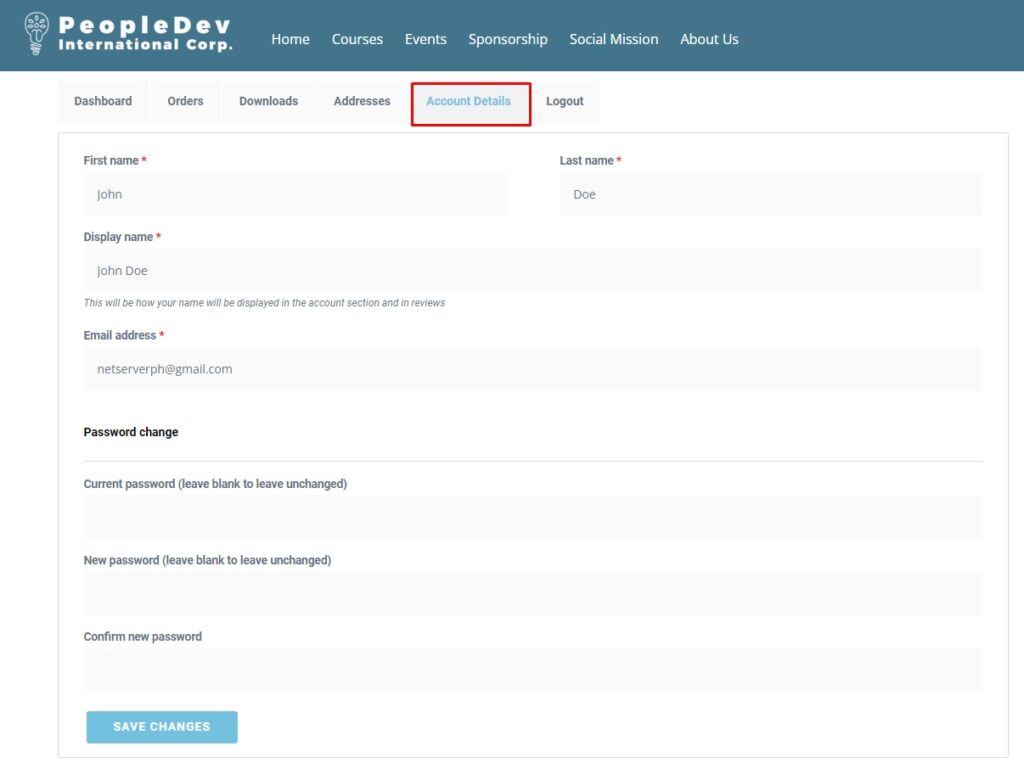
- To update user information, click Account Details.
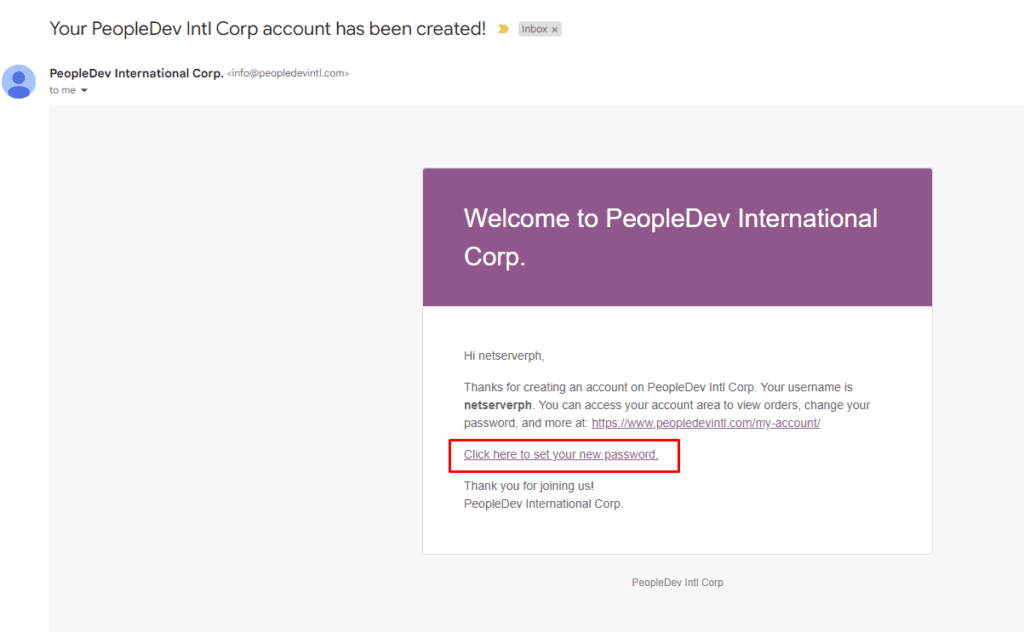
- To set a password of newly created account, check the registered email and look for “Your PeopleDev Intl. Corp account has been created” email and click the link “Click here to set your new account”
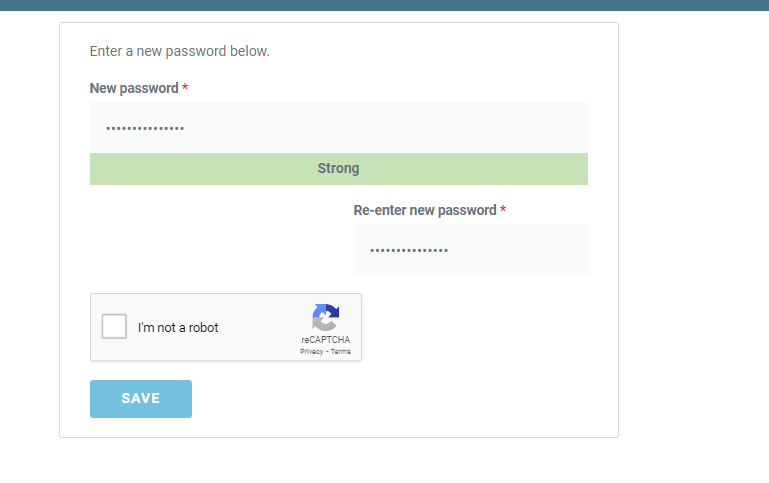
- Enter and re-enter the new password and click save: